Start beats with a few clicks
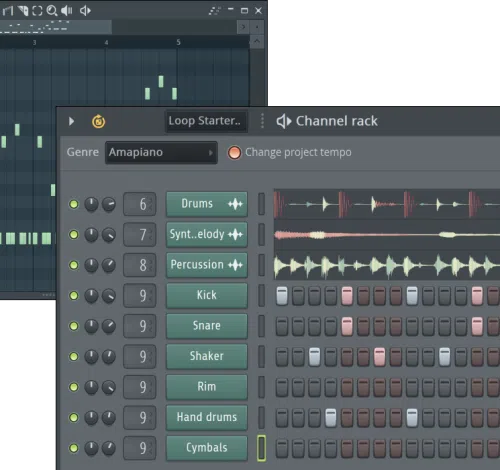
The iconic Channel Rack is where every track begins. Quickly build beats and patterns, step by step.
Features · 2026
Make beats, record ideas, and finish tracks with all the tools you need, whatever your style.
Available on Windows macOS
The iconic Channel Rack is where every track begins. Quickly build beats and patterns, step by step.
Go deep with 100+ instruments and effects. Drop clips, patterns, loops, sounds, and make your track truly yours.
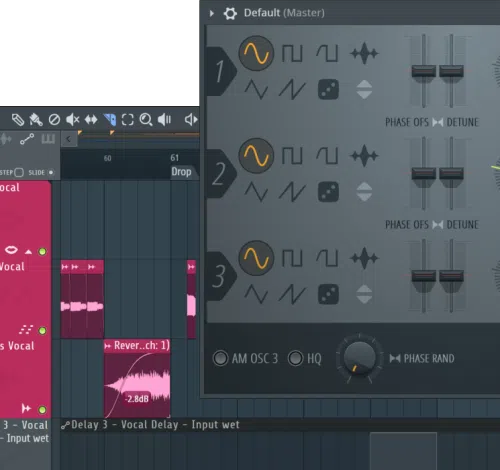
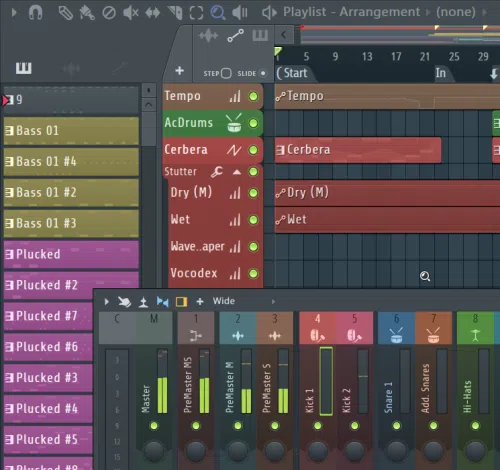
Balance levels, add effects, and polish your track with a full-featured mixer. With up to 500 tracks, routing, and all the effects you need.
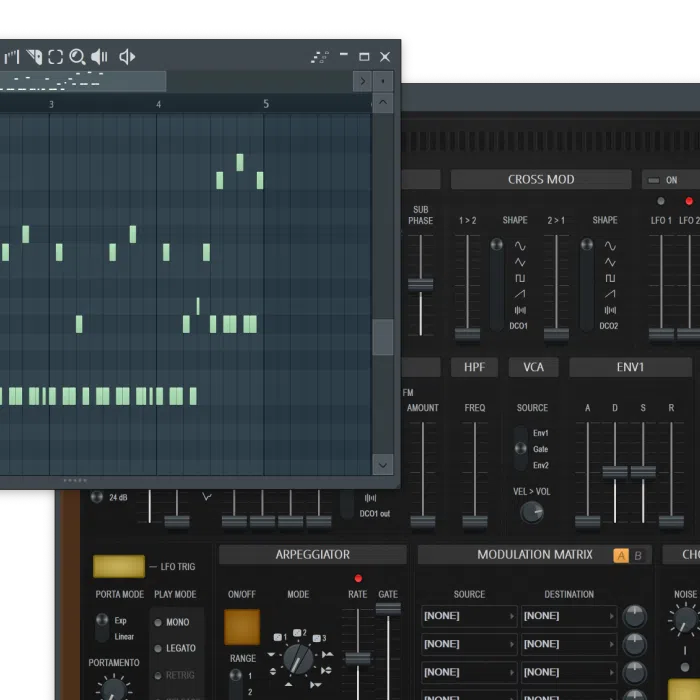
Get FL Studio's wide and iconic range of instruments, from quick-start synths to deep sound design tools.
Samplers, drum machines, and synths sit next to the piano roll, so a sketch can turn into a playable part without leaving the project.
Lifetime Free Updates keep instruments current after you buy an edition. New tools land in the same license instead of a new shopping list.
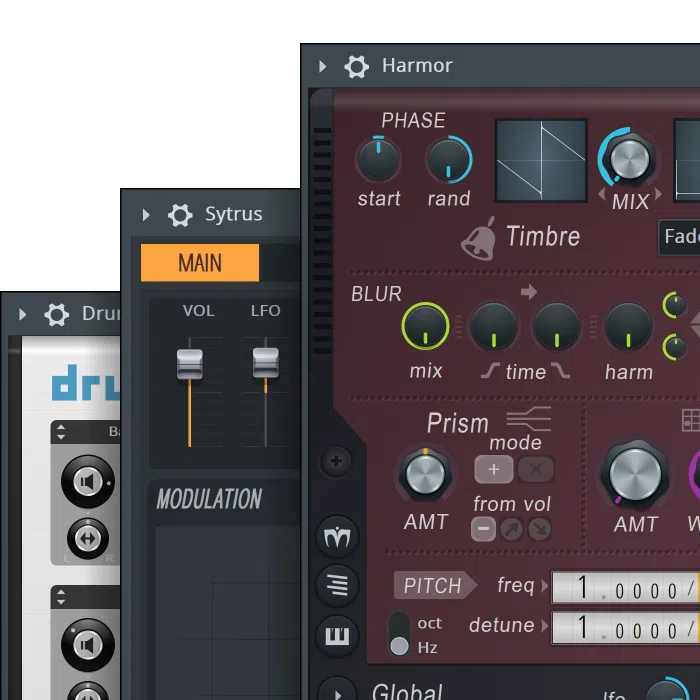
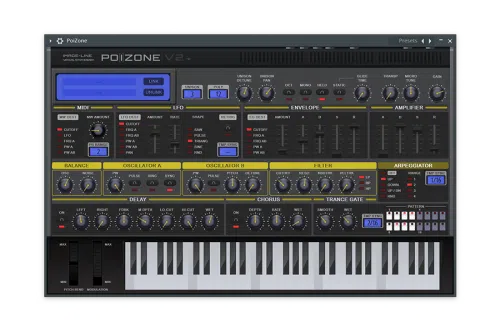
Harmless goes beyond subtractive, letting you bend filters, phasing, and partials into new tones.
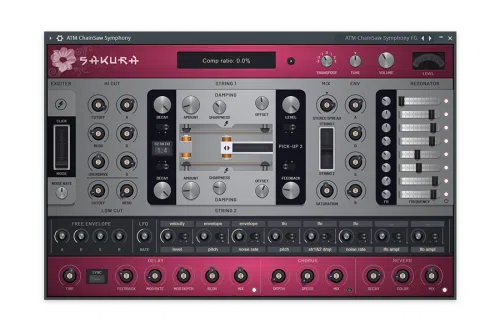
With Sakura, strings become a playground. Recreate the beauty of real instruments, or invent your own.
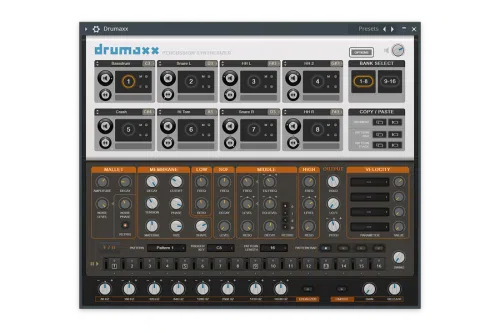
Drumaxx does not play back samples. It builds drums from the ground up, with 16 modeled pads.
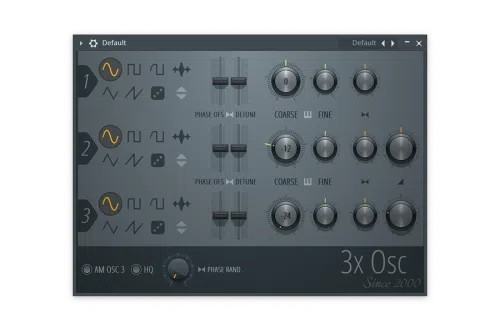
3x Osc is a raw, three-oscillator subtractive synth. Fast, simple, and packed with the old-school power behind countless FL Studio tracks.
Sytrus is your sound lab, with six operators and deep modulation to move beyond presets.
Harmor is a deep additive instrument for sound design. It ships in All Plugins Edition with the rest of the Image-Line set.
FLEX is a fast, lightweight plugin in FL Studio packed with presets that sound finished from the moment they load.
Discover FLEX200+ presets and 8 Core Series packs, including visual libraries such as Aurora Skies. Play, Edit, Library, and Store tabs keep browsing in one window.
Macro knobs cover EQ Low/Mid/Hi, chorus, tremolo, and vibrato. You can shape a preset without opening a second synth.
All Plugins Edition only
Inspired by legends like the JUNO-6 and Jupiter-8, Kepler Exo reimagines classic analog sound with expanded modulation, FM synthesis, and lush onboard effects.
Hear Kepler Exo in action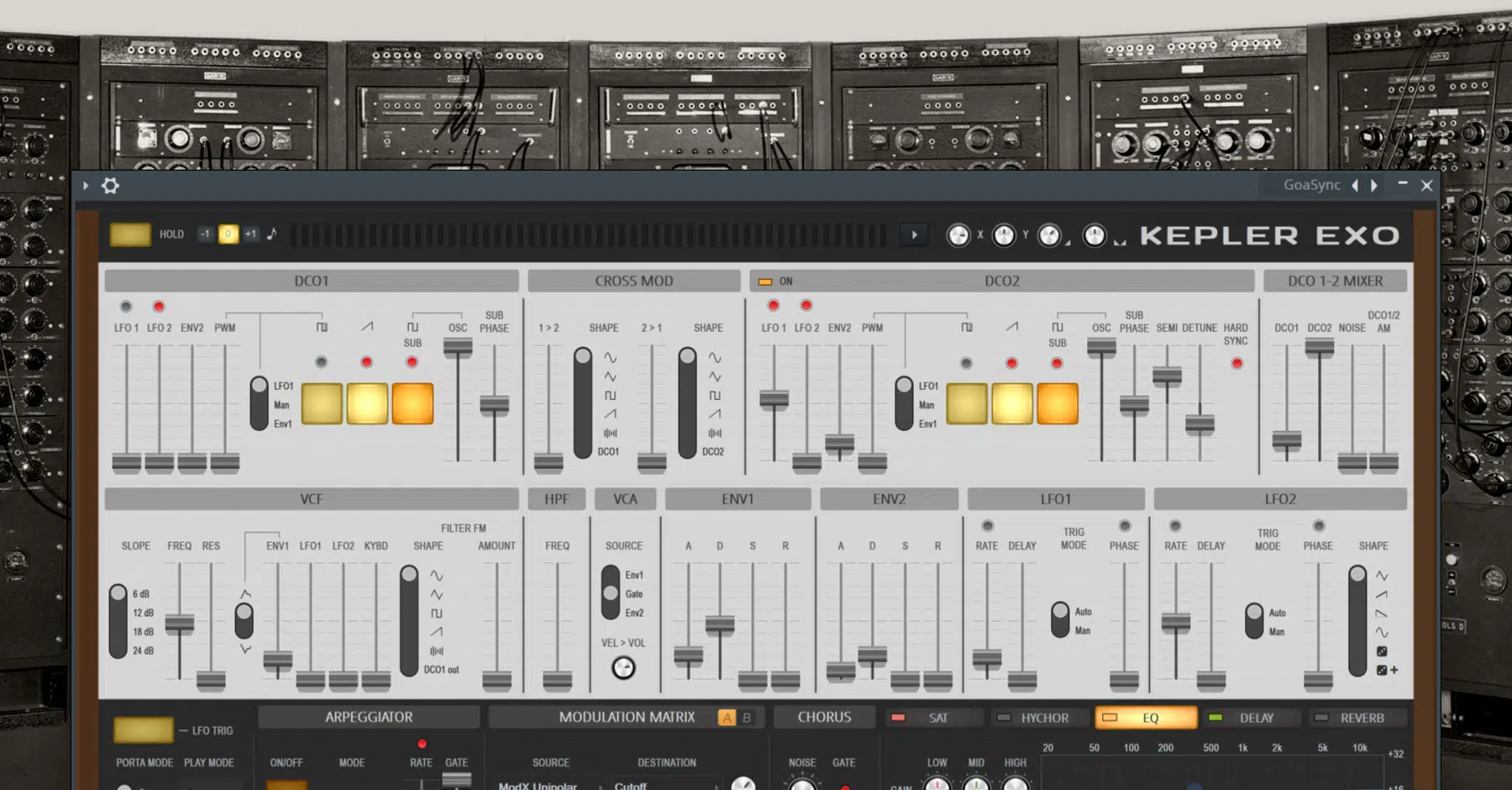
With a full suite of effects, FL Studio lets you refine details, color your mix, or twist audio into something completely unexpected.
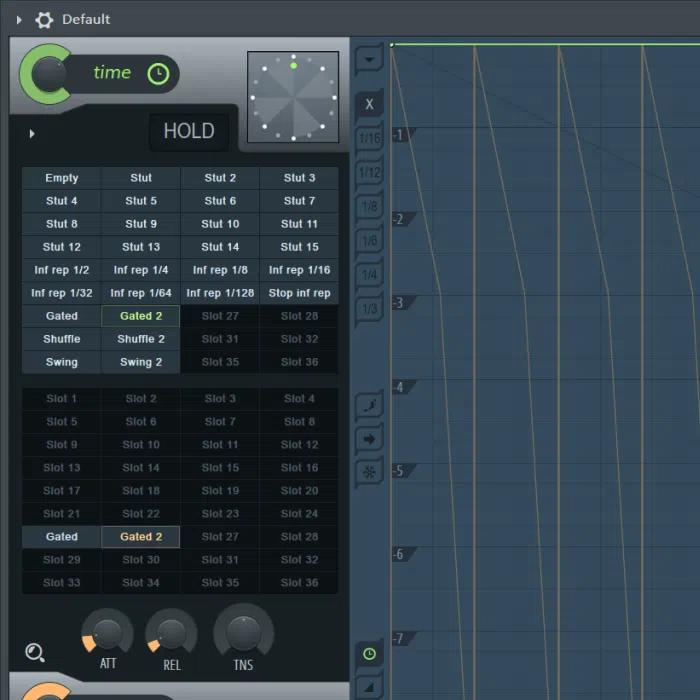
Instant stutters, scratches, and gating effects. The secret behind countless innovative tracks.
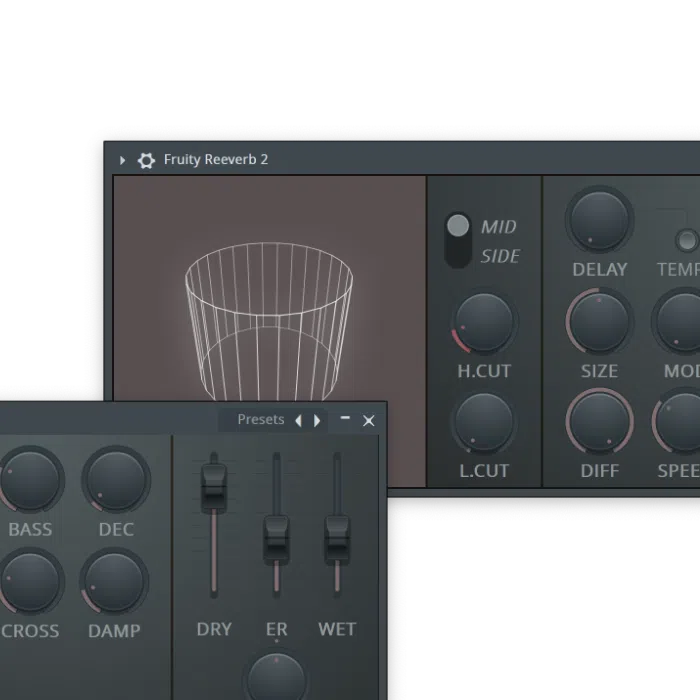
Your go-to reverb. From small rooms to vast halls, add depth and dimension to any sound.
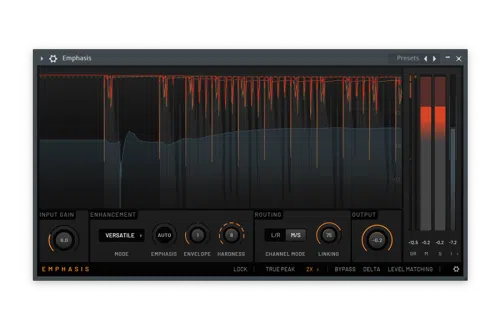
Crank up the gain without crushing your mix. A single-band mastering limiter that adds punch and clarity without losing transparency.
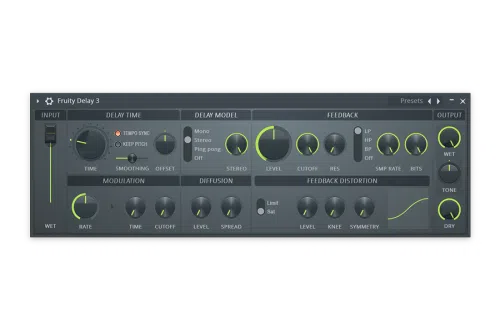
Crystal-clean repeats, warm tape echoes, or wild modulated feedback, all from one delay.
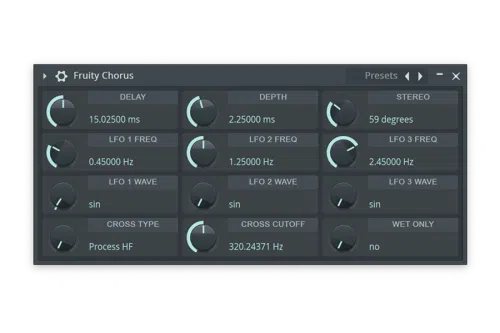
Add width and shimmer to instruments and vocals with a chorus effect that sparkles on anything.
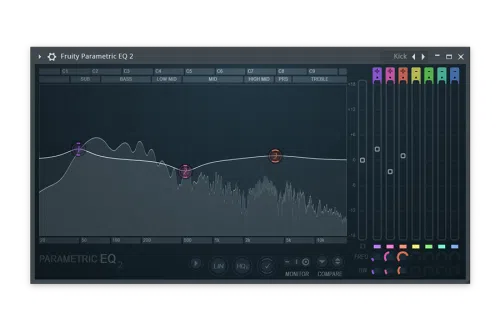
See your sound and sculpt it precisely with a flexible, visual EQ.
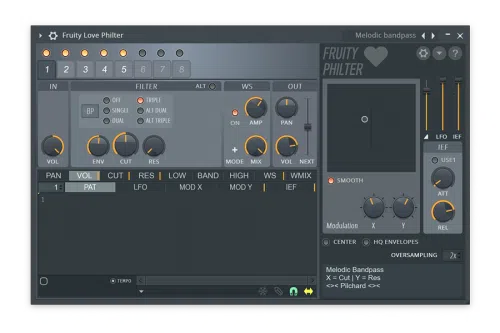
Eight filter units you can automate, modulate, and combine for evolving, rhythmic effects.
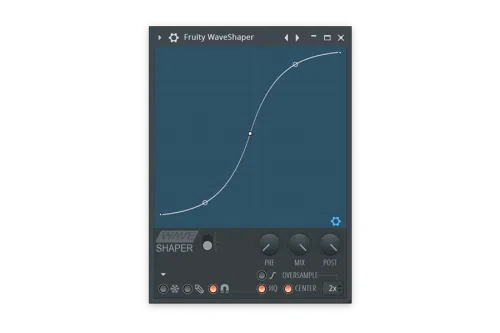
Draw your own waveshaping curves and craft distortion, from subtle to extreme.
FL Studio is designed to keep your creativity moving. And it is deep enough that you will never outgrow it.
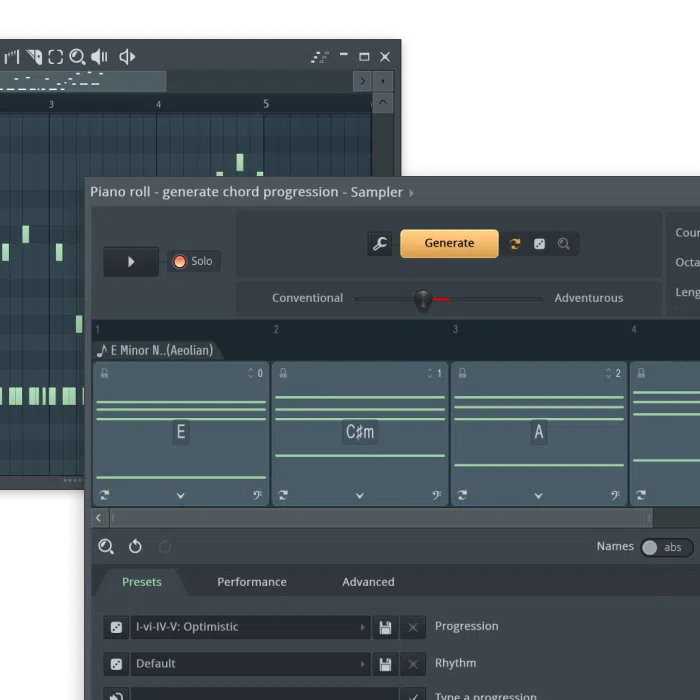
Instantly generate chord progressions that fit your scale and mood. Lock the chords you like, shuffle the rest, and explore advanced options.
Say goodbye to blank projects. Loop Starter gives you instant, genre-based loop stacks, so you can start with a vibe and build from them.
See it in action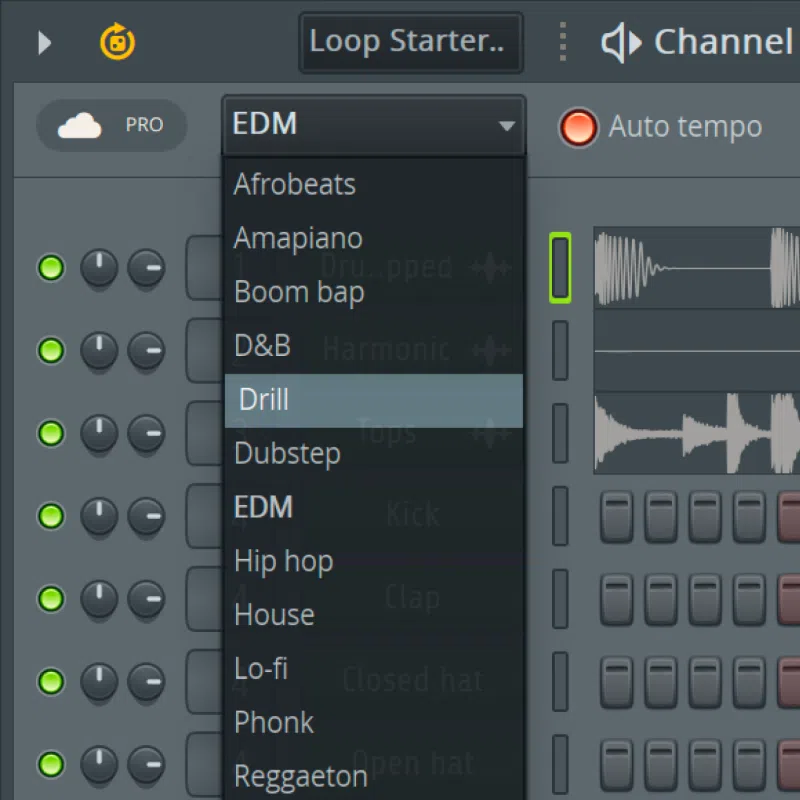
With FL Studio's AI-powered stem separation, you can instantly split any song into vocals, drums, bass, and instruments. Perfect for remixing, sampling, or creating karaoke versions.
See it in action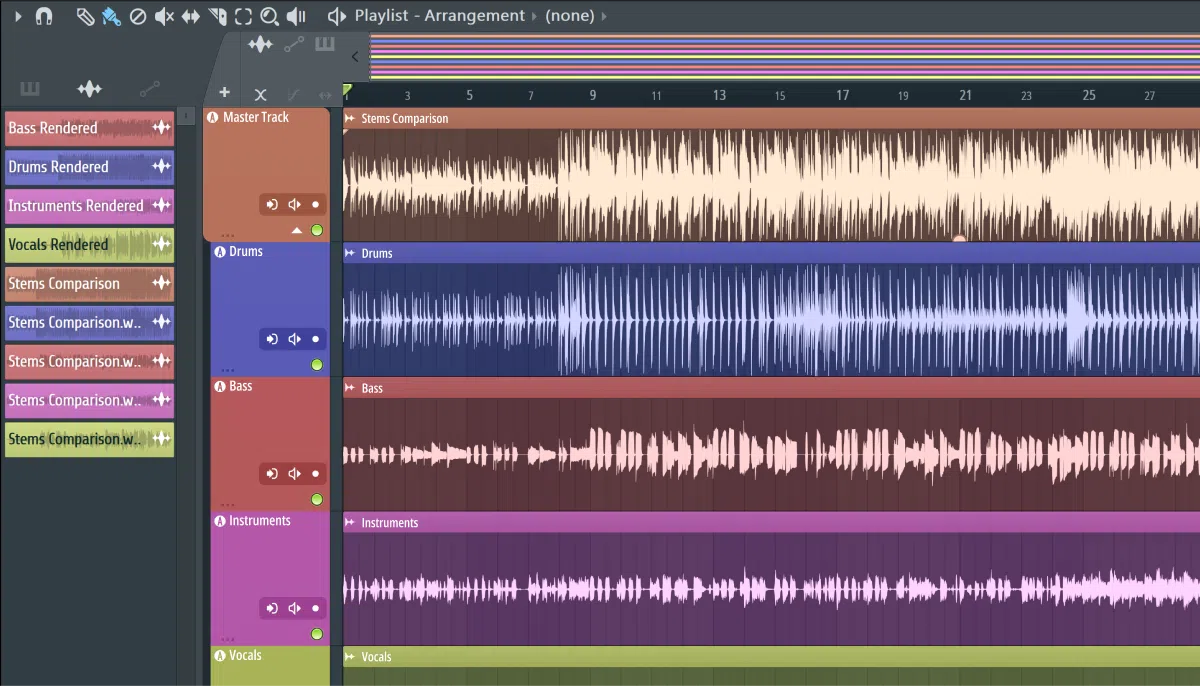
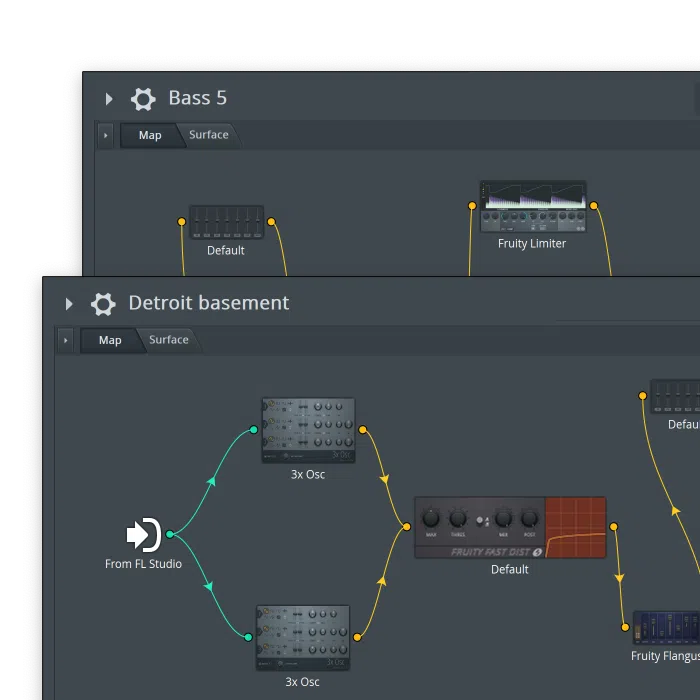
Patcher lets you chain instruments and effects together to design your own sounds and workflows. Create something totally unique. Then save it to use again and again.
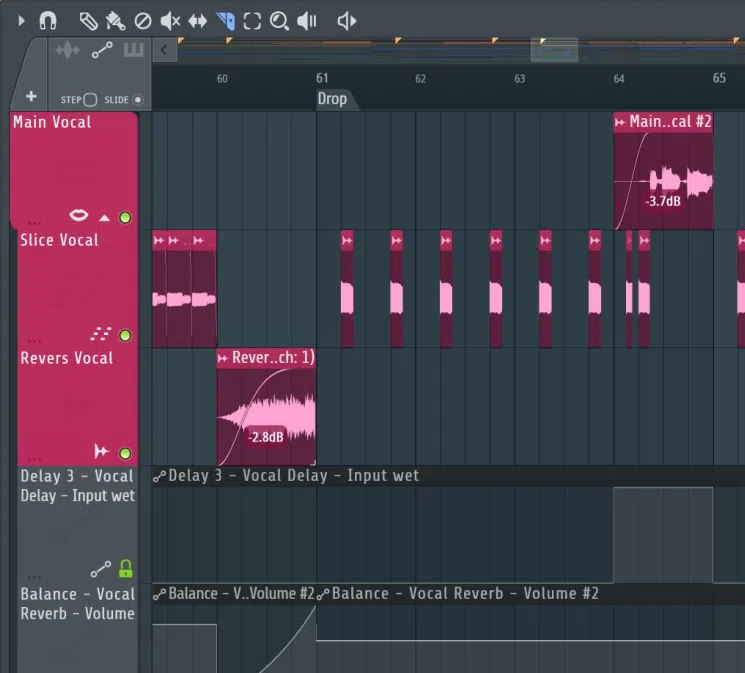
From fixing vocals to chopping samples, you have full control over your audio. Edit fast, experiment freely, and drop it straight into your track.
Load instruments and effects in VST, AU, or CLAP formats in addition to FL Studio's own plugins.
Share projects between Windows and macOS with full plugin support, including Apple Silicon. Windows on ARM is not supported in 26.1.4.
Record vocals, instruments, or any source straight into the Playlist. Slice, stretch, reverse, and refine audio with built-in tools like Edison. Recording starts at Producer Edition.
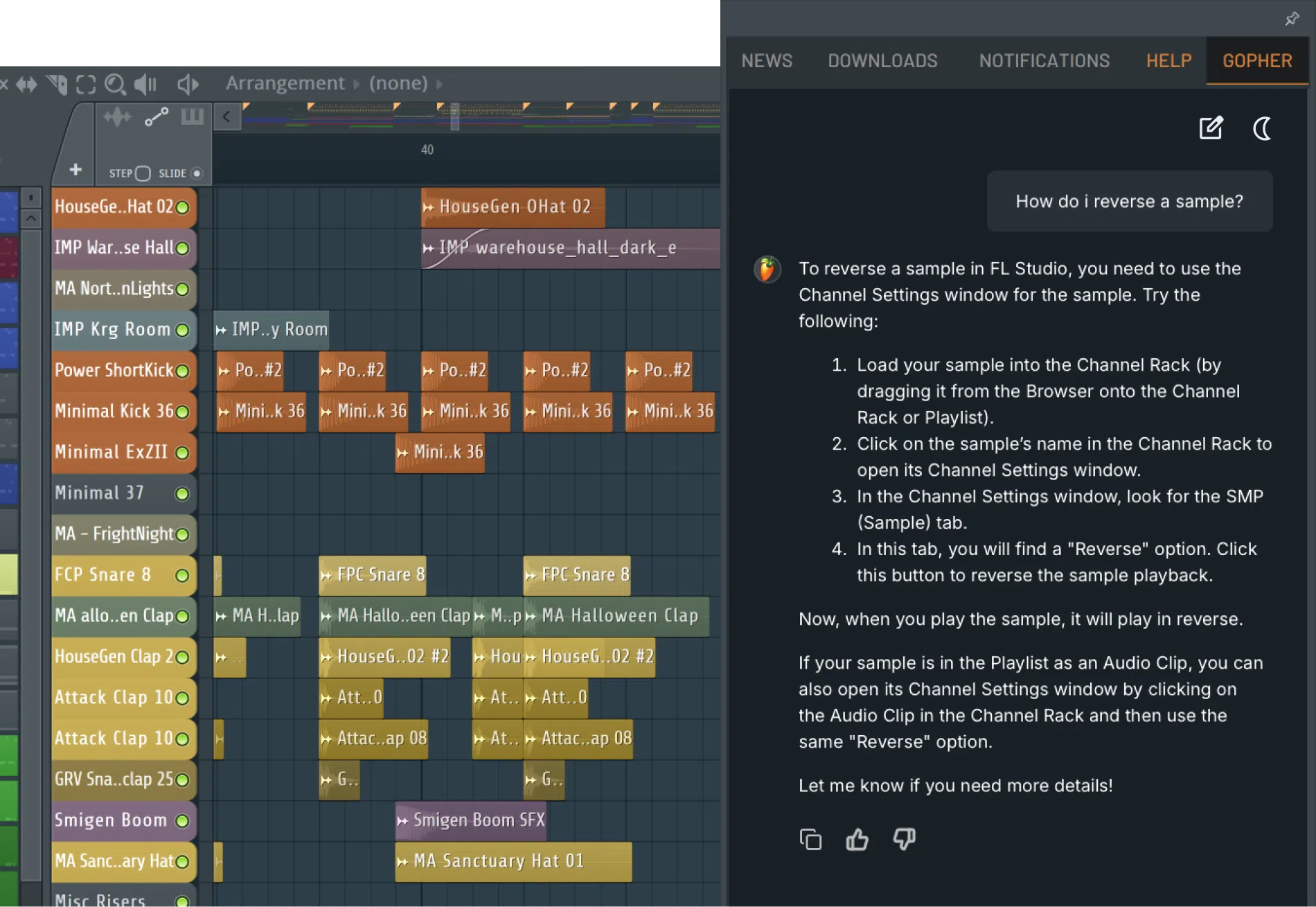
Gopher gives you quick, clear answers about FL Studio and music production. It is like having an expert sitting right next to you.
Rearrange toolbars, save custom layouts, and build themes to match your style. Detach windows across multiple monitors, or build custom control surfaces for advanced setups.
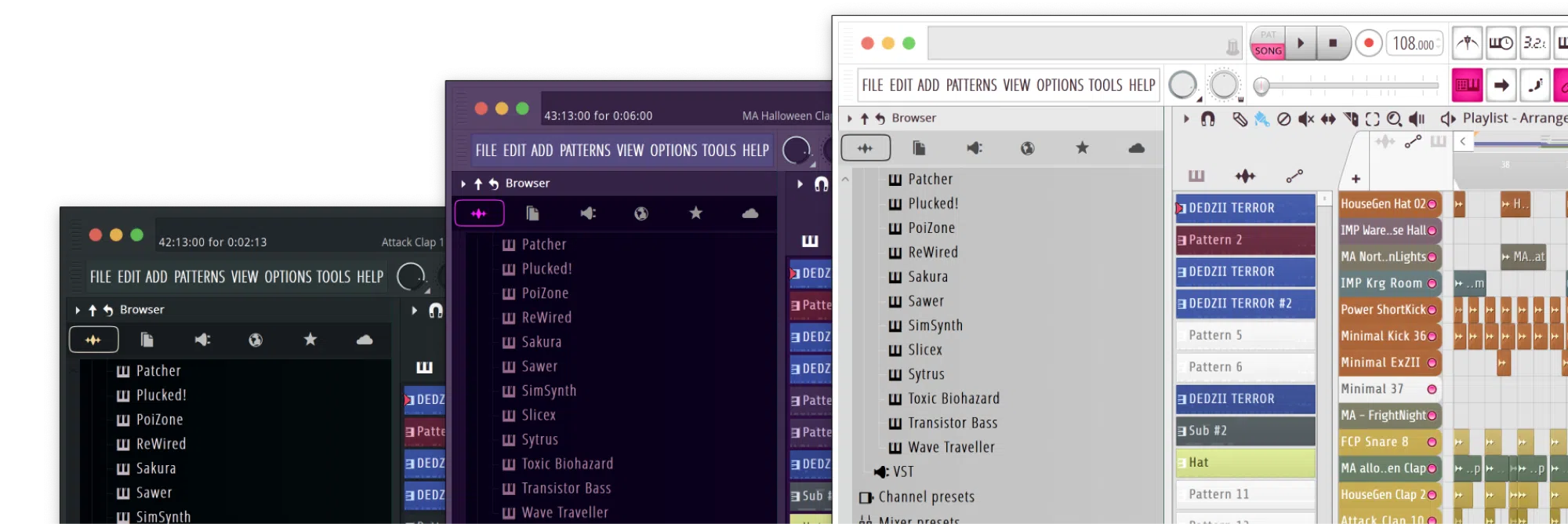
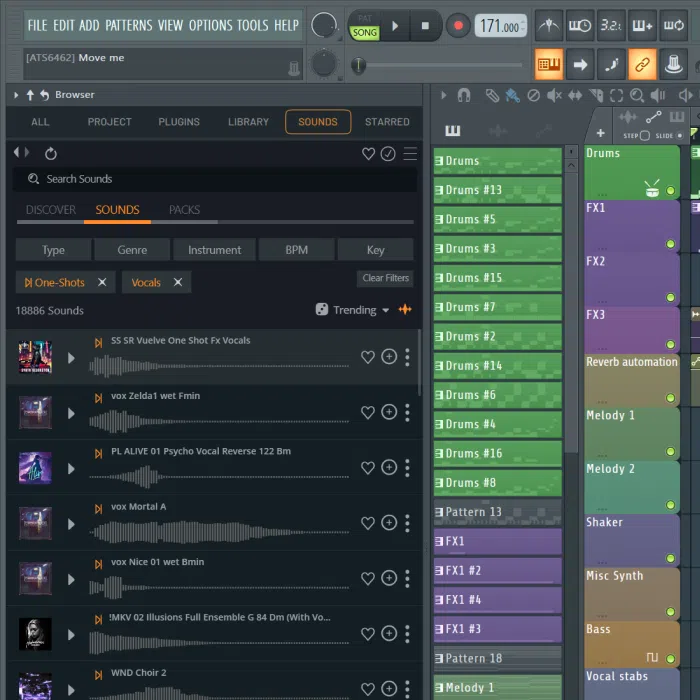
FL Cloud puts a huge sample pool next to the Browser. Drag into the playlist, keep 500 MB of project backup free, and use Loop Starter when a blank session is too quiet.
Search Sounds, filter by type or genre, and drop one-shots or loops onto playlist lanes without leaving the DAW.
Packs cover trap, house, vocals, and more. The wall below uses artwork already stored in this site's media folder.
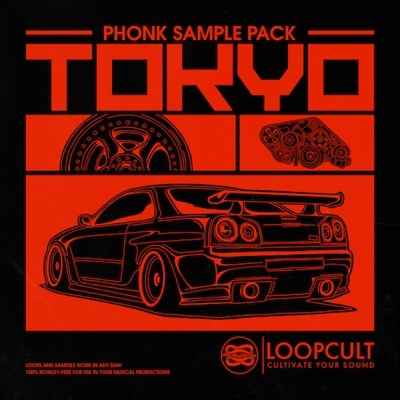
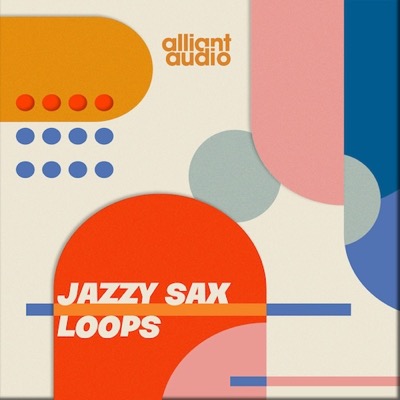
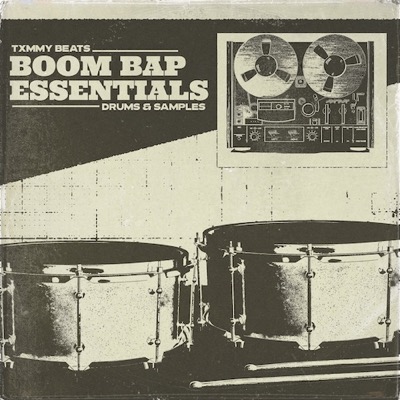
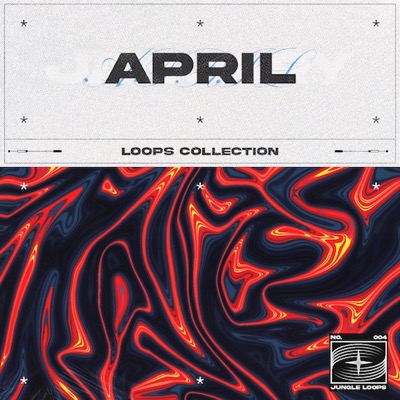
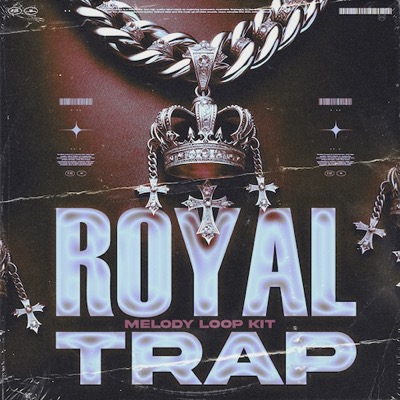
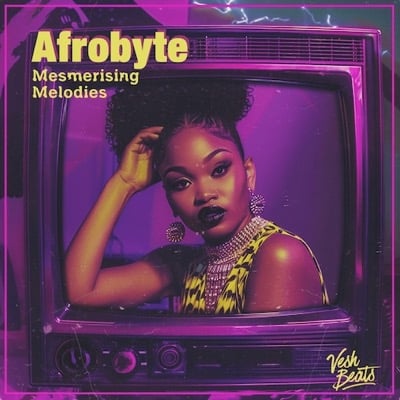

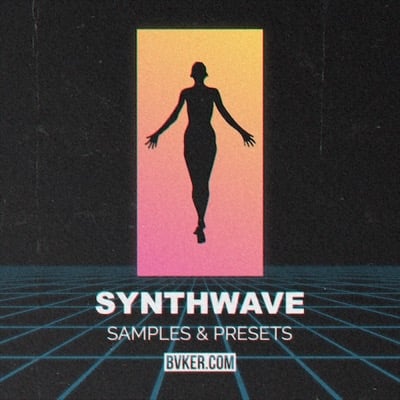
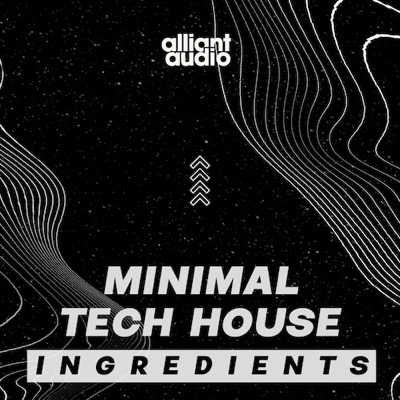
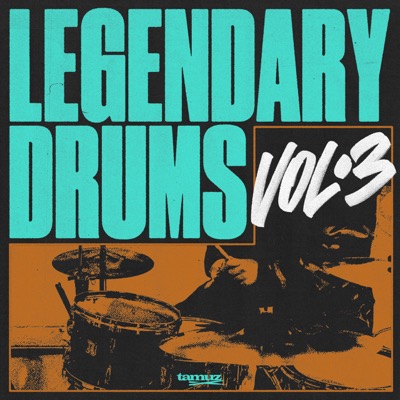

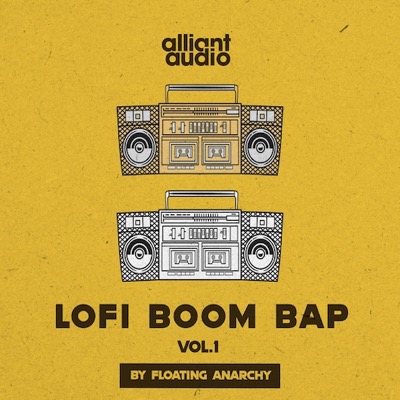
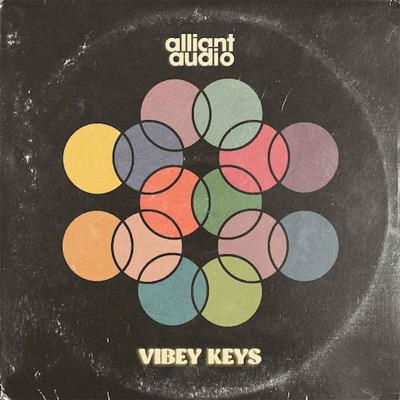
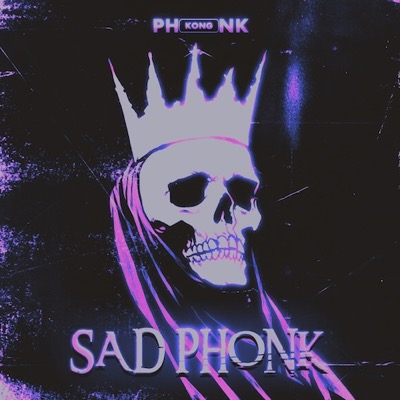
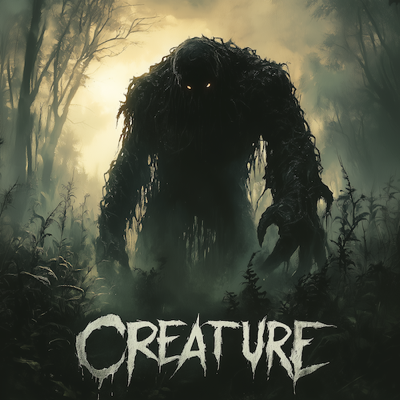
Browse a library that is too large for a single sample drive. Downloads you take from FL Cloud stay in your project folder.
Files you pull in are yours to keep with the project. 500 MB backup is free on FL Cloud.
Bespoke packs sit next to one-shots, so a sketch can start from a kit instead of a blank Channel Rack.

Find an Edition that fits your needs. Fruity, Producer, Signature, or All Plugins. Lifetime Free Updates apply after you buy.